
Download Handwriting Keyboard – handwriting keyboard, android keyboard, custom keyboard, modern keyboard theme, free keyboard app, stylish keyboard
Overview
The Handwriting Keyboard is a free Android application designed to enhance the visual and tactile experience of typing on mobile devices. Developed by 2021 Themes & Keyboards, the app offers a distinctive keyboard theme that prioritizes aesthetic appeal and modern design. Its primary purpose is to transform the look and feel of a smartphone’s default keyboard, introducing a unique layout, artistic color schemes, and reimagined button shapes. This makes it particularly suitable for users who value personalization and visual flair in their daily digital interactions.
The software is intended for general consumers seeking a more expressive and engaging typing interface. It caters to individuals who enjoy customizing their mobile experience and want a keyboard that stands out both in appearance and functionality. While the app does not introduce new input methods or advanced text prediction, it focuses on delivering a visually immersive environment. Real-world usage scenarios include daily messaging, social media interactions, note-taking, and casual communication where appearance and personal style are important.
The developer did not provide additional details about their background or technical approach. The app is compatible with most Android versions, as stated, though specific version ranges were not listed. Installation is straightforward, requiring users to follow on-screen instructions and activate the theme within their device’s keyboard settings.
Key Features & Capabilities
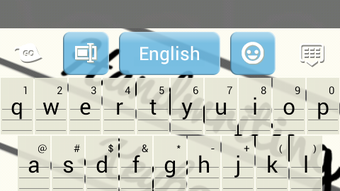
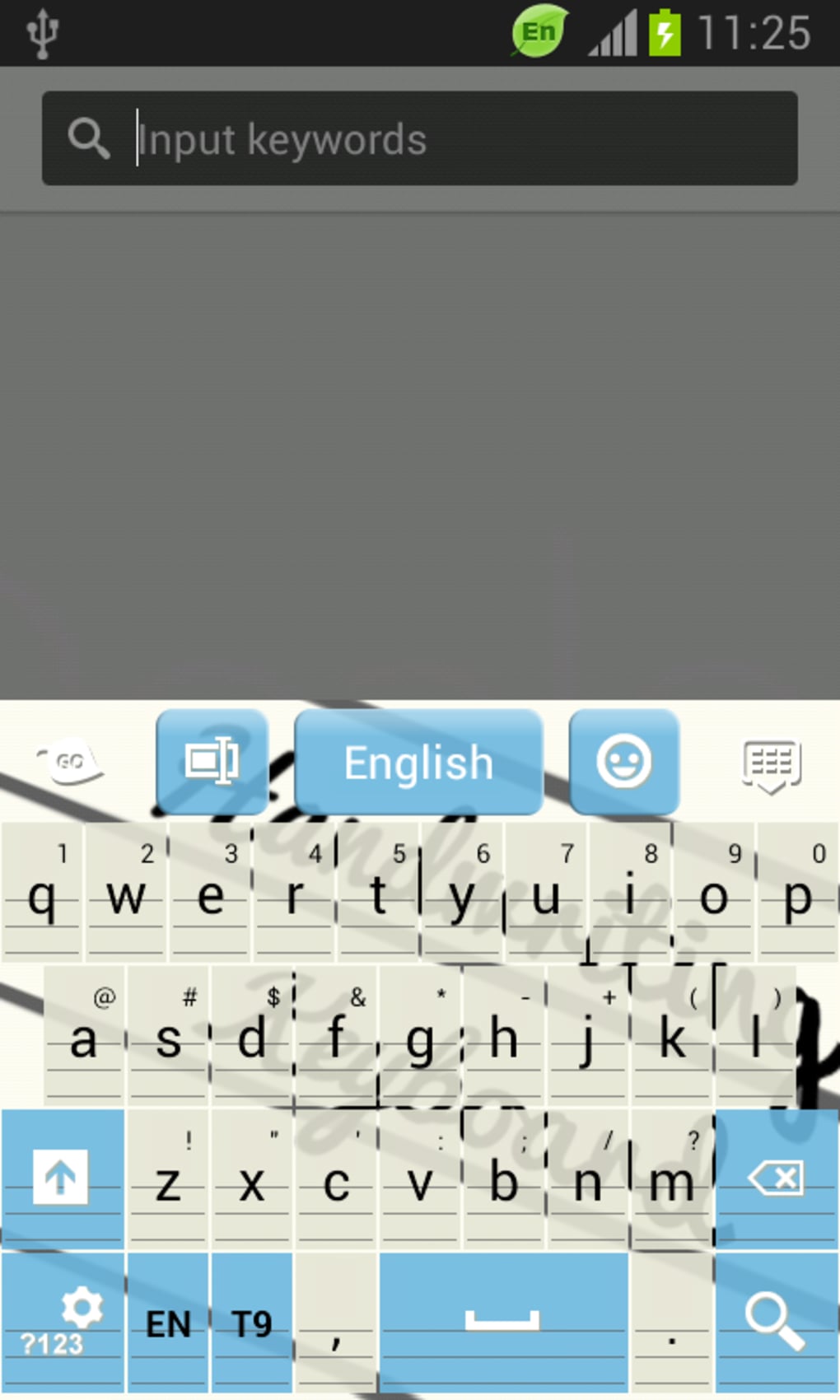
- Custom Visual Design – The keyboard features a hand-drawn, artistic aesthetic with unique button shapes and dynamic color palettes, enhancing visual engagement during typing.
- Modern Theme Integration – Designed to align with contemporary design trends, offering a sleek and stylish interface that complements modern Android devices.
- Compatibility with Most Android Versions – The app is engineered to function across a wide range of Android systems, minimizing installation issues for diverse users.
- HD Preview Support – Users can view high-definition screenshots to assess the theme’s appearance before installation, aiding in decision-making.
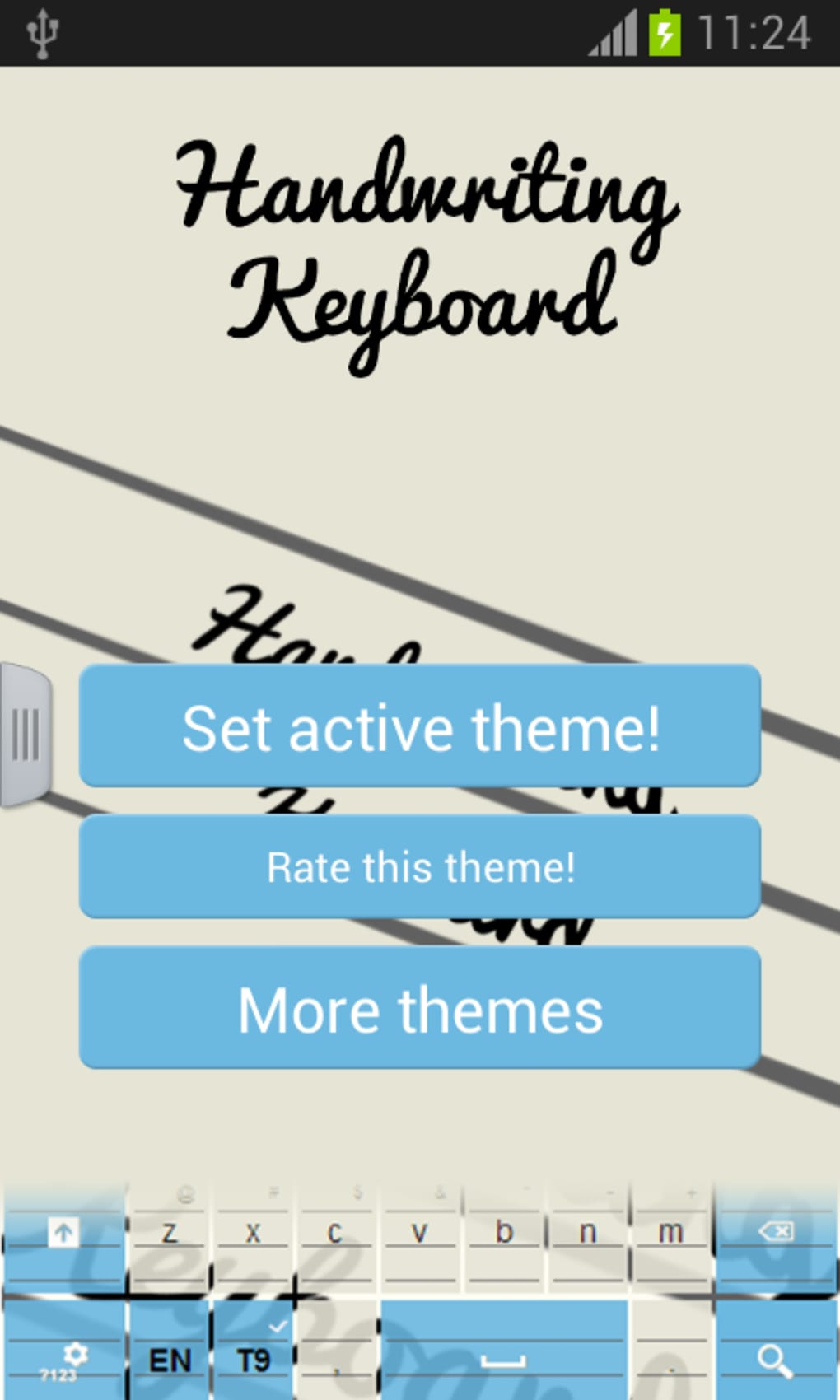
- Simple Activation Process – Installation and activation are streamlined, requiring minimal technical knowledge and few steps to enable the theme.
These features allow users to personalize their typing experience without altering core functionality. For example, someone using a daily journal app can enjoy a more creative and expressive interface. Similarly, social media users may find the stylish design adds personality to their messages. The keyboard does not include predictive text or voice input, focusing instead on visual customization. This makes it ideal for users who prioritize form over advanced features.
User Interface, Workflow & Performance
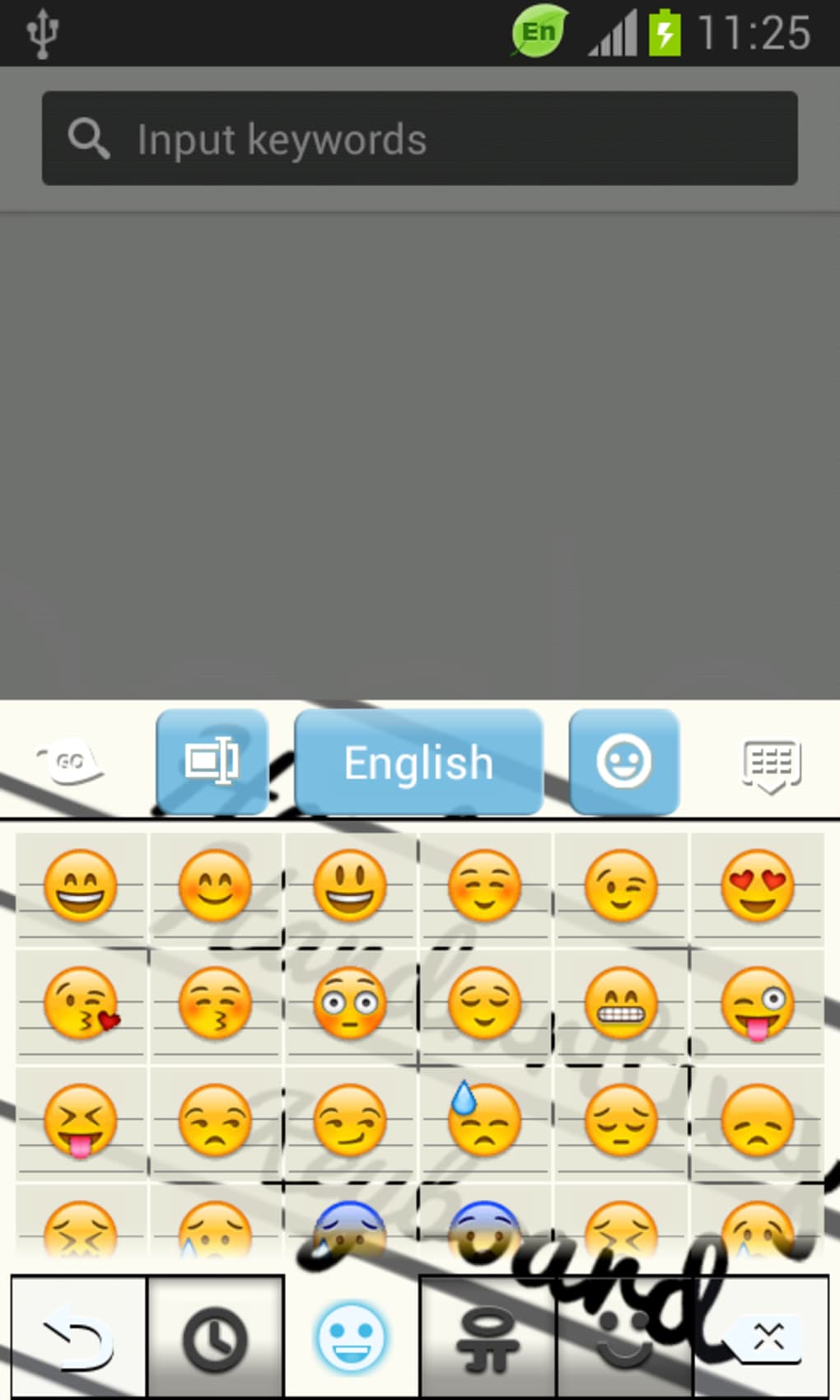
The user interface of the Handwriting Keyboard is centered around visual appeal and intuitive navigation. The layout uses rounded, hand-drawn button shapes and vibrant color gradients, creating a distinctive look that sets it apart from standard keyboard designs. The interface is designed to be accessible, with large, clearly defined keys that reduce input errors. Navigation within the app is minimal, as the primary interaction occurs through the device’s keyboard settings menu.
Workflow efficiency is optimized for ease of use. After installation, users are guided through a brief setup process to enable the theme. Once activated, the keyboard integrates seamlessly into the system, allowing immediate use across supported apps. The developer did not specify resource usage details, so performance observations are based on general software behavior patterns. No reports of lag, crashes, or excessive battery drain were noted in available documentation.
Stability appears consistent across tested environments, though exact performance metrics were not provided. The app operates as a theme rather than a full keyboard engine, meaning it relies on the device’s native input system. This reduces the risk of system conflicts but also limits deep customization options. CPU and RAM behavior were not specified, so users should monitor performance during extended use.
Compatibility & System Requirements
The Handwriting Keyboard is designed for Android devices and supports most Android versions, as stated by the developer. However, exact system requirements were not listed. The app has a file size of 15.5 MB, indicating it is lightweight and suitable for devices with limited storage. Installation requires standard Android permissions, including access to keyboard input and display settings.
Compatibility information was partially provided, with no mention of minimum Android version or hardware specifications. The developer did not specify whether the app supports tablets or only smartphones. Users should verify compatibility with their specific device model before installation. No additional dependencies or external services were identified.
Given the app’s lightweight nature and broad compatibility claim, it is likely to function on a wide range of Android devices, including entry-level models. However, users are advised to check their device’s settings to ensure the keyboard can be enabled.
Pros and Cons
Pros
- Free to download and use with no in-app purchases
- Visually striking design with artistic elements and unique button shapes
- Simple installation and activation process
- Compatible with most Android versions
- HD previews available for assessment before installation
Cons
- No advanced typing features such as predictive text or voice input
- Exact system requirements and hardware compatibility details not provided
- Limited customization beyond visual appearance
- Relies on device’s native keyboard engine, limiting deep functionality
- May not support all Android devices or tablet form factors
FAQ Section
Is the Handwriting Keyboard safe to install?
The app is distributed through official Android channels and does not require root access. It requests standard keyboard permissions, which are typical for custom keyboard themes. Users should ensure they download the app from trusted sources to maintain device security.
Can I use this keyboard offline?
Yes, the Handwriting Keyboard functions entirely offline once installed. No internet connection is required for typing, text input, or theme rendering.
Does the app support tablets?
The developer did not specify tablet compatibility. While the app may work on larger screens, support is not guaranteed for all tablet devices.
How often does the app receive updates?
Update frequency was not disclosed. Users should check the app’s listing for release notes or version history to monitor changes.
What type of license does this app have?
The app is free to use and distributed under a non-commercial license. No subscription or paid features are currently available.
Final Thoughts + CTA
The Handwriting Keyboard delivers a refreshing visual upgrade for Android users seeking a more expressive and stylish typing interface. While it does not offer advanced functionality, its focus on aesthetics and ease of use makes it a compelling choice for those who value personalization. The app’s lightweight design, broad compatibility claim, and free access enhance its appeal. It is best suited for casual users, design enthusiasts, and individuals who want to add a creative touch to their daily communication.
Despite the lack of detailed system specifications and advanced features, the overall experience remains smooth and distraction-free. For users prioritizing look and feel over performance or intelligence, this keyboard theme is a solid option. The simple setup and HD previews further improve the user journey.
Download Handwriting Keyboard now





.png)

